Demo
See how a CRM responds when you talk to it.
Sixty seconds. One workspace. Real product, no marketing re-creation.
For the 60% who don't press play
What you'd see if you watched.
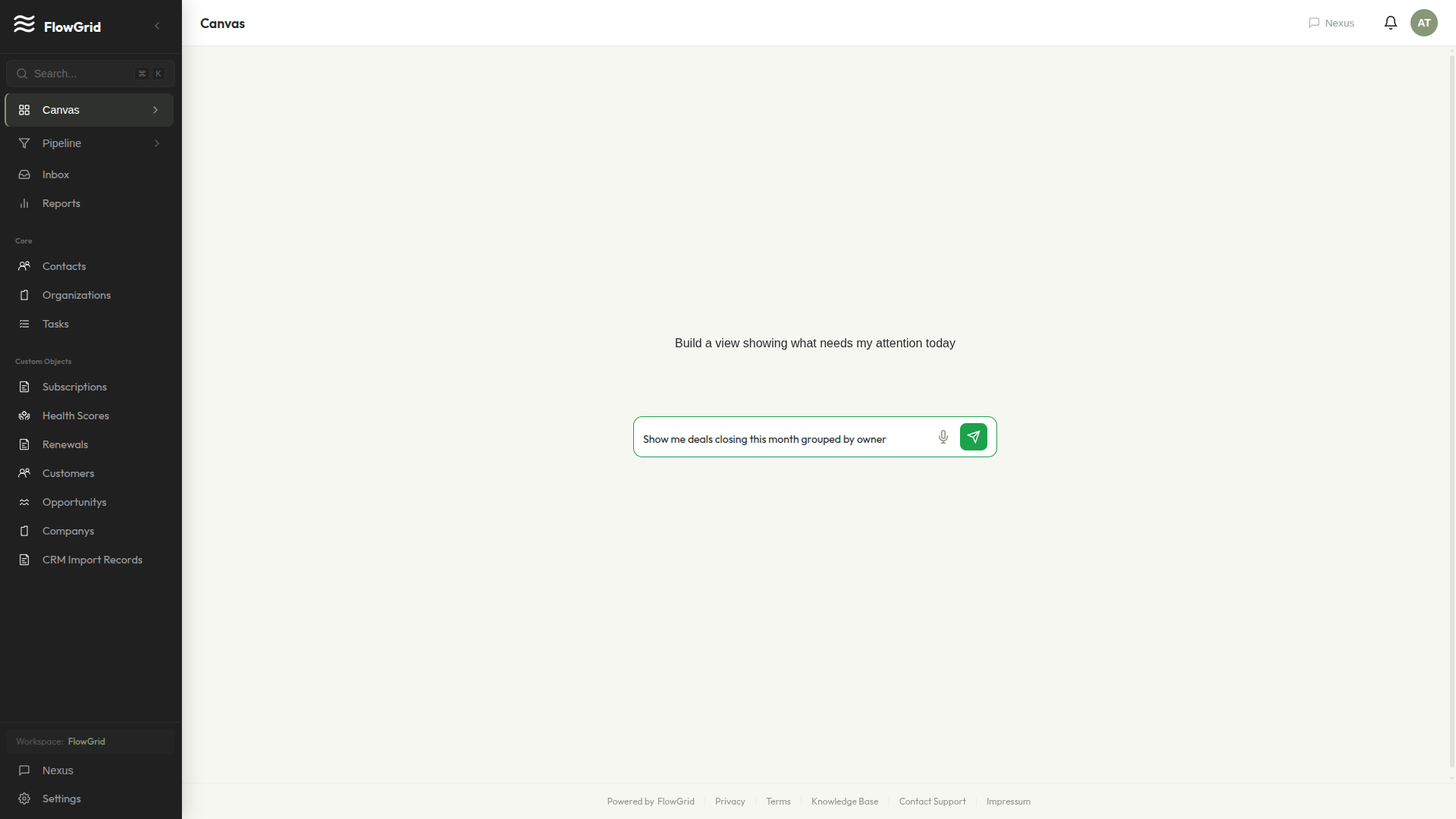
The empty canvas
What you see when you log in for the first time. No template, no setup wizard you'll abandon halfway. Just a prompt bar.
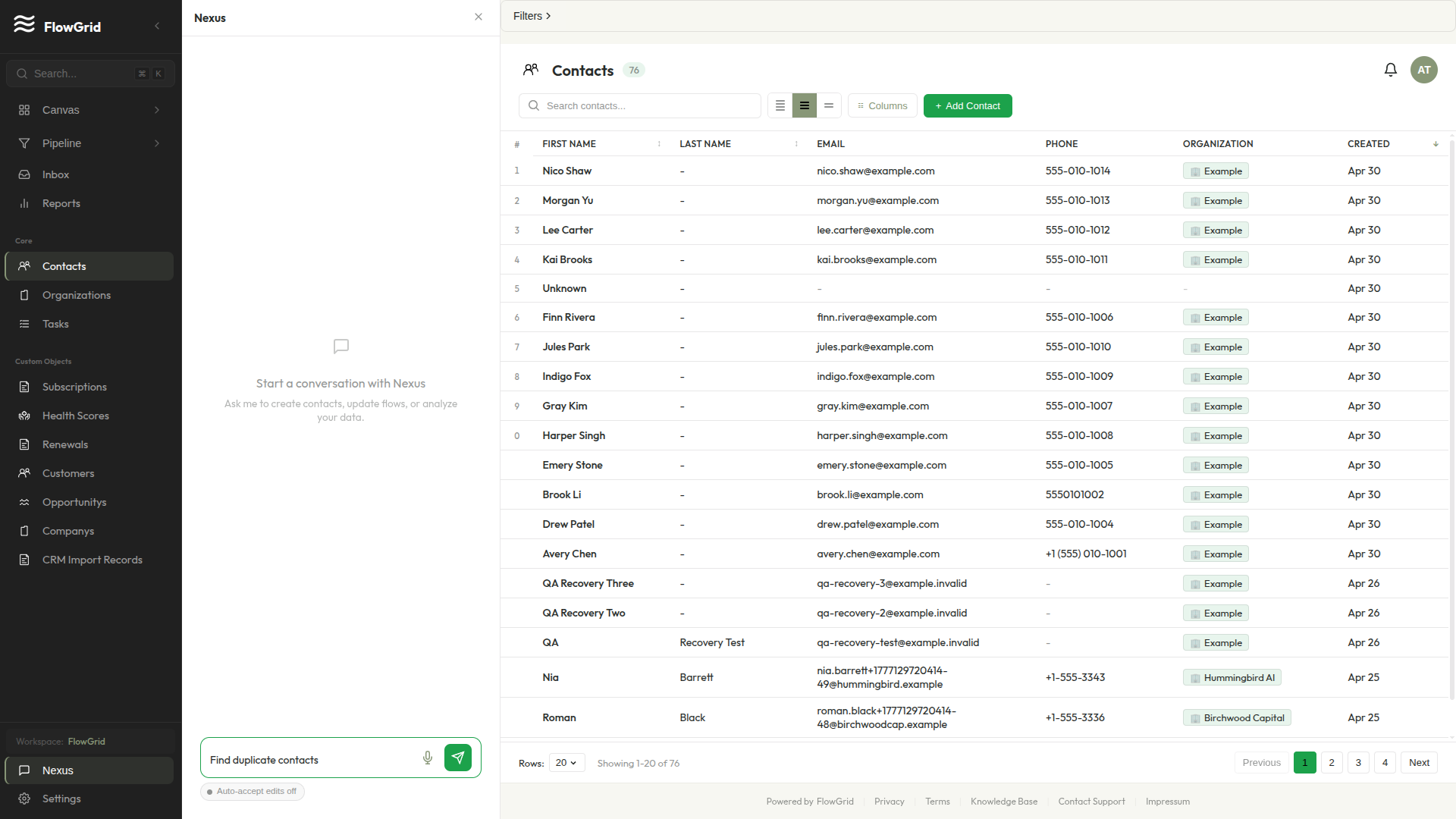
Nexus building a view
One natural-language prompt — 'show me deals closing this month grouped by owner' — produces a real, interactive widget on your canvas.
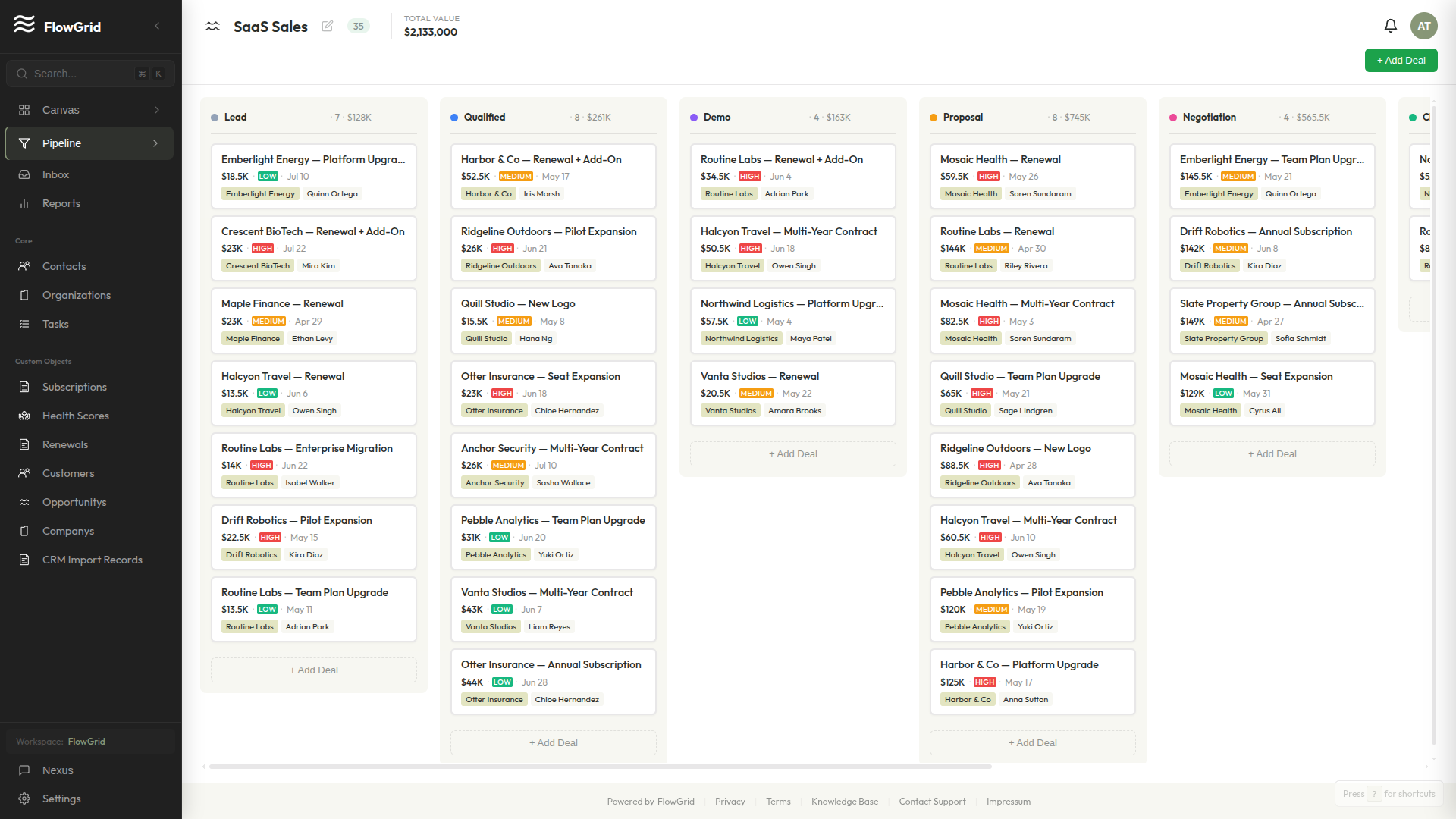
Dragging a deal across stages
Familiar pipeline mechanics. The schema is yours; the stages are yours. Nothing forced.
From Excel to action in 20 minutes
The path from spreadsheet to dashboard.
Import your CSV
Smart Import reads your existing spreadsheet (Excel, Notion export, HubSpot dump) and proposes the schema. Approve or tweak it.
Type your first prompt
Tell Nexus the view you want. It writes the widget against your real schema, not a generic template.
Ship the dashboard
Your team logs in to the canvas you just described. No implementation consultant. No 30-day onboarding.
Verifiable, not assumed
We're early. Here's how you can verify us anyway.
How your data is protected
Field-level AES-256-GCM encryption with tenant-scoped keys. Multi-tenant row-level isolation. Every mutation logged.
Read the security details →Legal & compliance
GDPR-compliant with a Data Processing Addendum. Your legal contact can pull it now — not after a sales call.
Read the DPA →Ready to build your first widget by typing?
Free up to 50 records. No credit card. Your data exports as CSV at any time.
Start Free