CRM basics
What is a CRM?

Do you actually need one?
A spreadsheet is a fine CRM — until it isn't.
- More than one person needs the same customer information, and the copy in someone's inbox is now out of date.
- You've lost track of who you last spoke to, what was said, and what you promised to do next.
- A deal slipped because nobody owned the follow-up — it wasn't anyone's job to remember.
- You can answer 'how many deals are open right now?' only by opening five files and adding them up by hand.
What a CRM actually does
Four jobs, one shared system.
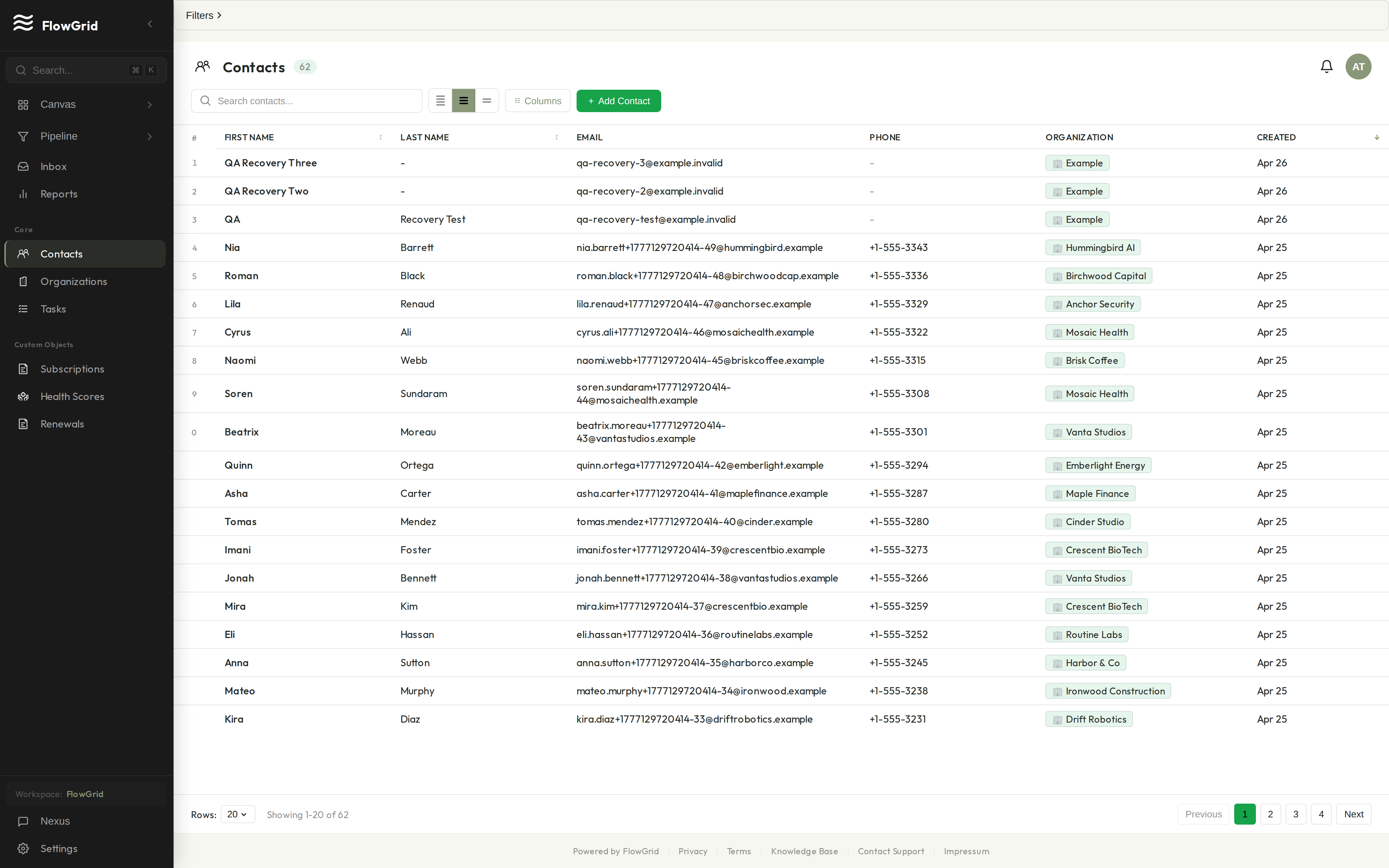
Contacts and organizations
It remembers everyone you do business with.
At its core a CRM is a tidy address book with a memory. You store contacts — the individual people — and organizations — the companies they belong to — and link the two together, so a contact's record shows which company they work for and a company's record shows everyone you know there.
Each record holds the basics — name, email, phone — plus whatever fields matter to your work. The point isn't the data entry; it's that anyone on the team can look someone up and see the full picture, instead of asking around for whoever last had the thread.
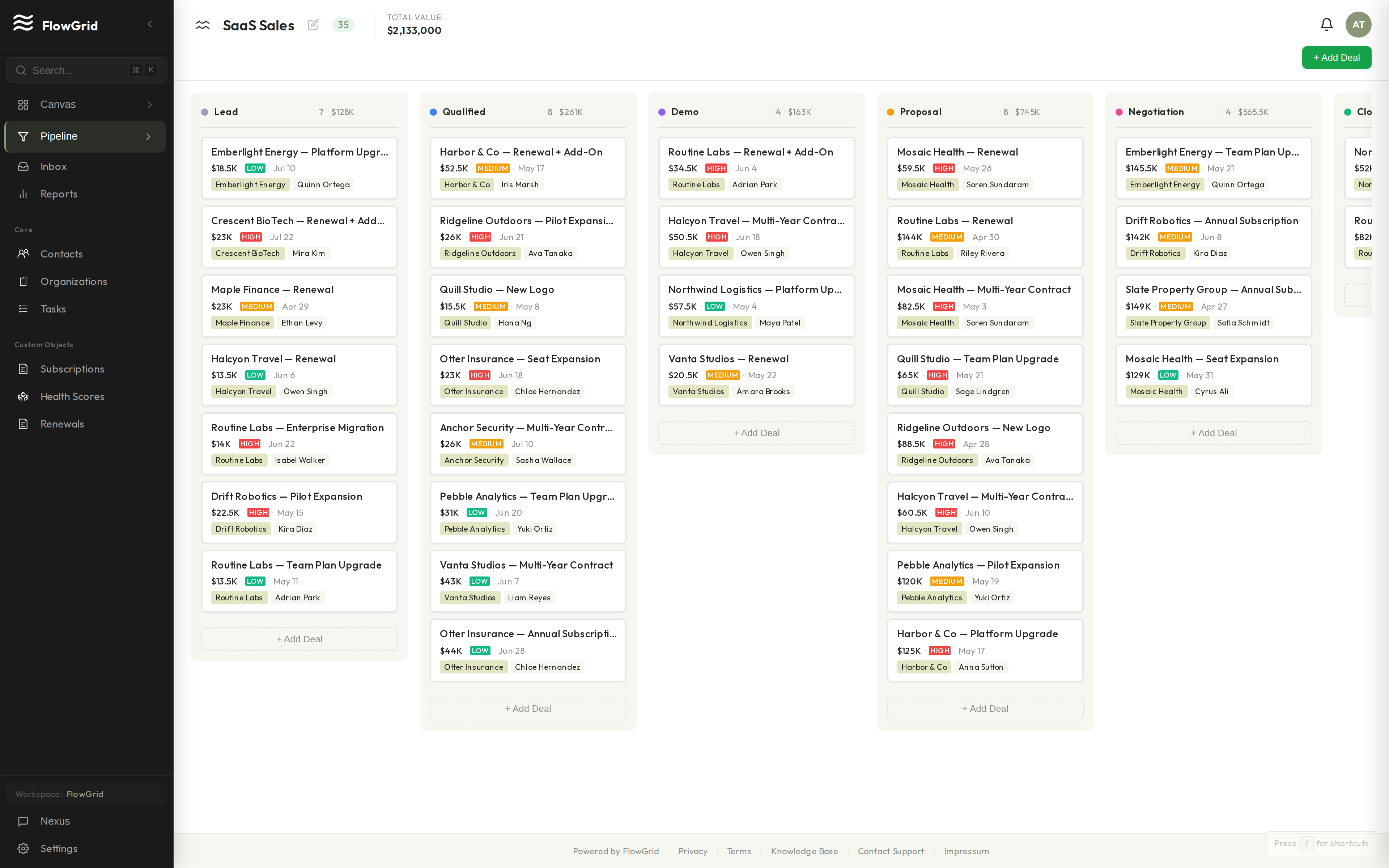
Deals and pipeline
It shows you where every deal stands.
A deal (sometimes called an opportunity) is a potential piece of business — a sale you're working toward. A CRM groups deals into a pipeline: a set of stages, like New, Qualified, Proposal Sent, and Won, that a deal moves through from first contact to closed.
Seeing every open deal in one pipeline view answers questions a spreadsheet makes you compute by hand: what's close to closing, what's stuck, and what's worth real money this month. That visibility is the reason most teams adopt a CRM in the first place.
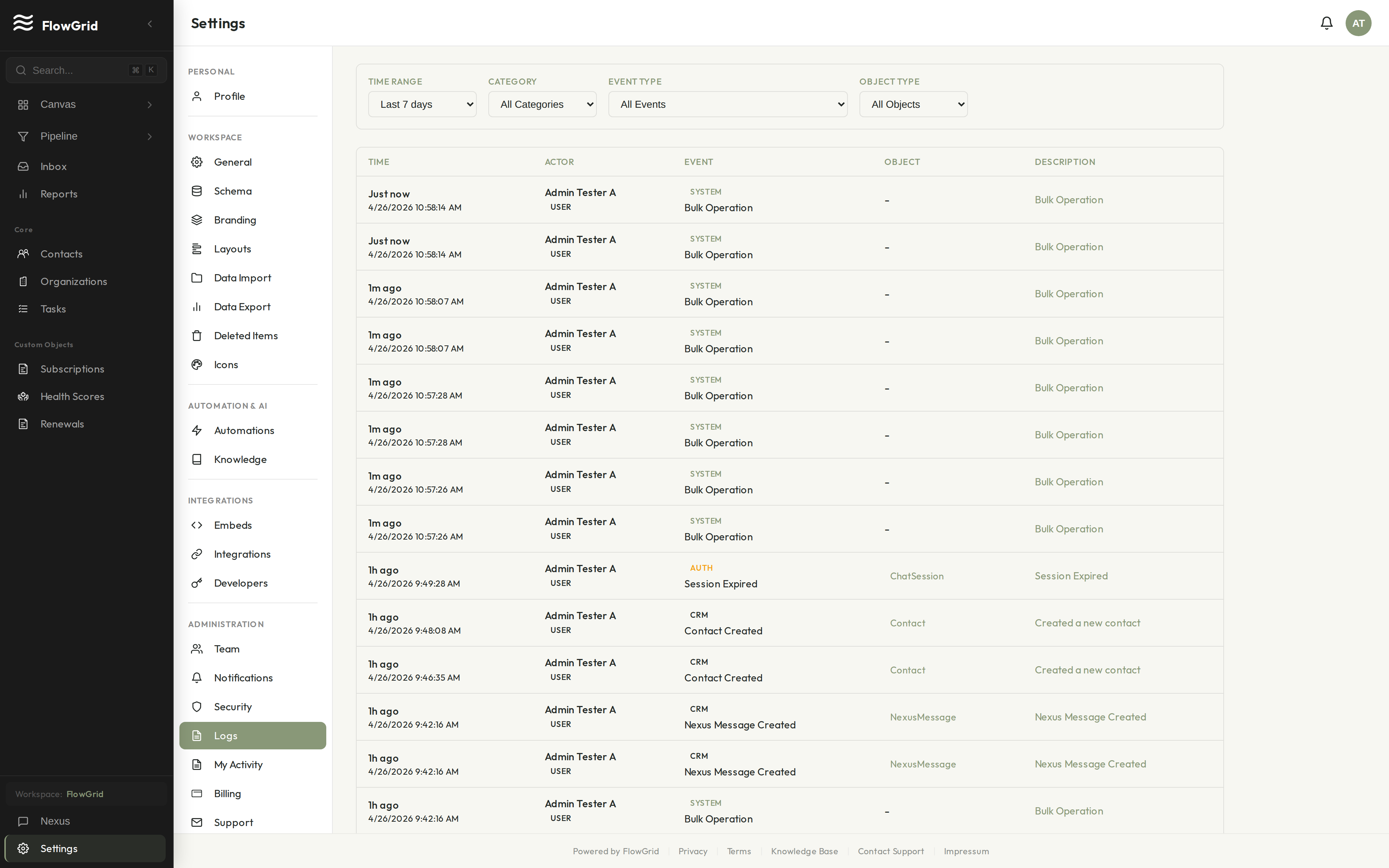
Activities and tasks
It keeps the history and the next step.
Every CRM logs activities — notes from a call, a meeting summary, a record of an email — against the contact or deal they relate to. Six months later, the history is right there: what was discussed, what was agreed, who did what.
Alongside the history sit tasks: a follow-up call with a due date, a reminder to send a quote. Together, activities and tasks are how a CRM stops things from being forgotten — the past is recorded, and the next step has an owner and a date.
The main types — and what's changed
Old CRMs were filing cabinets. Newer ones can do more.
CRMs are often sorted into three types. Operational CRMs run the day-to-day — contacts, deals, tasks. Analytical CRMs focus on reporting and trends. Collaborative CRMs centre on sharing customer context across teams. Most CRMs you'll meet do some of all three; the labels describe emphasis, not separate products.
The bigger shift is generational. Earlier CRMs were powerful but rigid — you adapted your process to fit the software, often with a consultant. A modern AI-assisted CRM like FlowGrid keeps the same fundamentals but lets you shape the workspace by describing what you want to its AI assistant, Nexus, in plain English. It's one example of where the category is heading, not the only one — but it's a fair illustration of the difference.
Built in public
We don't have customer logos to show you yet.
FlowGrid is early. Instead of borrowed credibility, here's what you can verify yourself:
Honest answers