HubSpot vs Pipedrive
HubSpot vs Pipedrive: breadth versus focus

Why this comparison is harder than it looks
These two tools aren't really competing for the same job.
- HubSpot is a suite. It bundles marketing, sales, and service hubs around one contact record — powerful, but you're buying a platform, and the price climbs as you add hubs and seats.
- Pipedrive is a pipeline. It does sales-deal tracking cleanly and affordably, and a small team can run it with zero admin — but it stays a pipeline; it won't become your marketing or support tool.
- So "which is better" depends entirely on what you're actually buying: an all-in-one workspace, or a focused sales tool. Get that wrong and you either overpay for HubSpot or outgrow Pipedrive.
Where each one genuinely wins
Both are good tools. They're good at different things.
Pick HubSpot when
You want marketing, sales, and service in one place.
HubSpot's real strength is breadth. Email marketing, landing pages, forms, ticketing, reporting, and a sales pipeline all sit on a shared contact record, so one customer's history is visible across every team. The free tier is genuinely usable, and the integration marketplace is one of the largest in the category.
The honest catch is cost and complexity. As you add hubs, contact tiers, and paid seats, the bill grows quickly — and the better automations and AI features tend to live on higher tiers. If you want one platform for everything and can plan for that curve, HubSpot earns its place.
Pick Pipedrive when
You want a focused sales pipeline with no admin overhead.
Pipedrive does one thing well: it tracks deals through a pipeline. The interface is clean, the learning curve is short, and the price is approachable for a small sales team. There's no hub sprawl to configure and no certification needed to run it — you set up your stages and start moving deals.
The honest catch is that it stays narrow. Pipedrive is a sales tool, not a workspace. Marketing automation, support, and deep custom data modelling are either add-ons or simply out of scope. If your needs are squarely sales-pipeline, that focus is a feature; if they're broader, you'll outgrow it.
...or the case for neither
When HubSpot is too much and Pipedrive too rigid.
There's a common middle: a small team that finds HubSpot's suite (and its pricing curve) heavier than it needs, but finds Pipedrive's fixed pipeline metaphor too rigid for how it actually works. If that's you, a third path is worth a look.
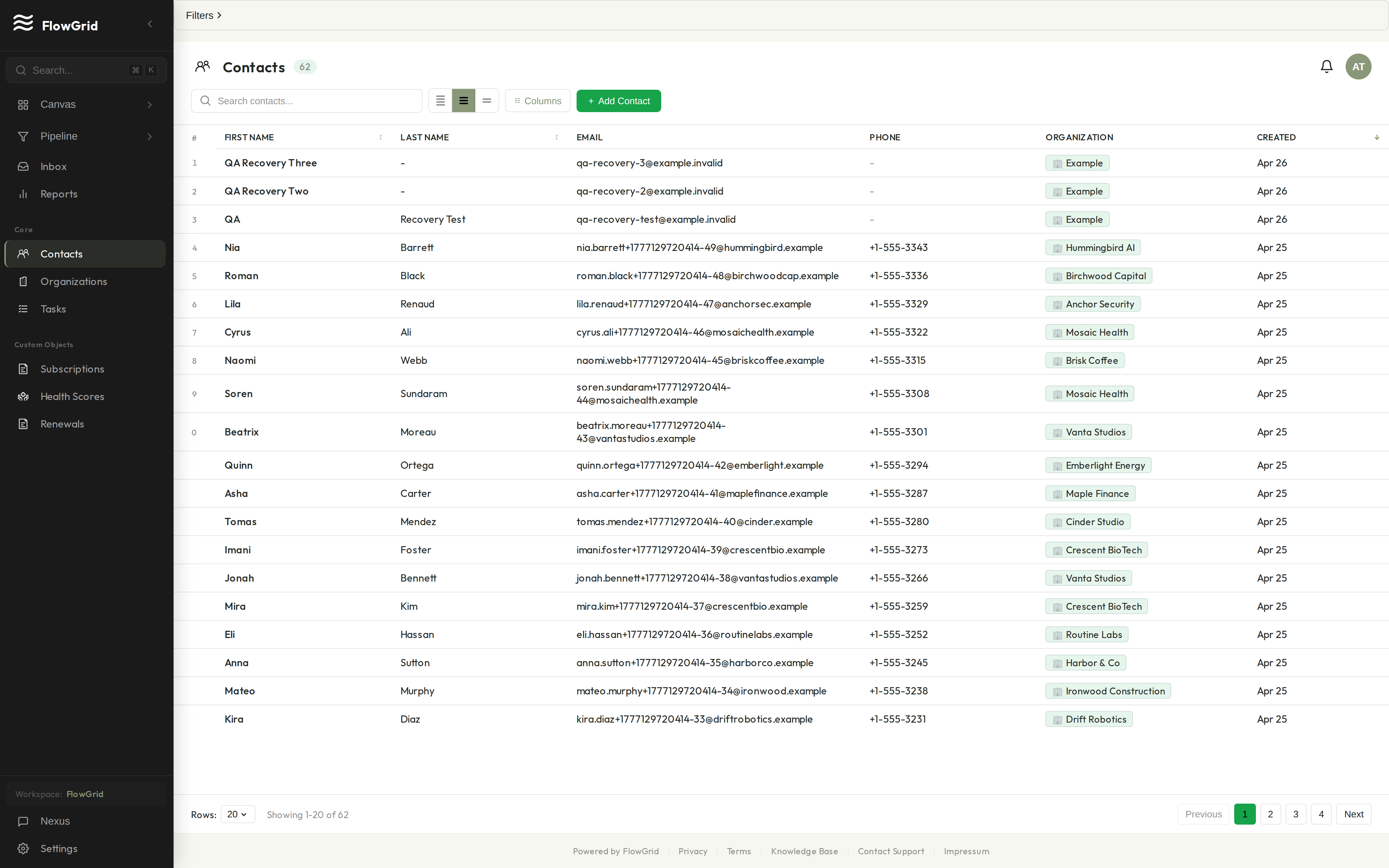
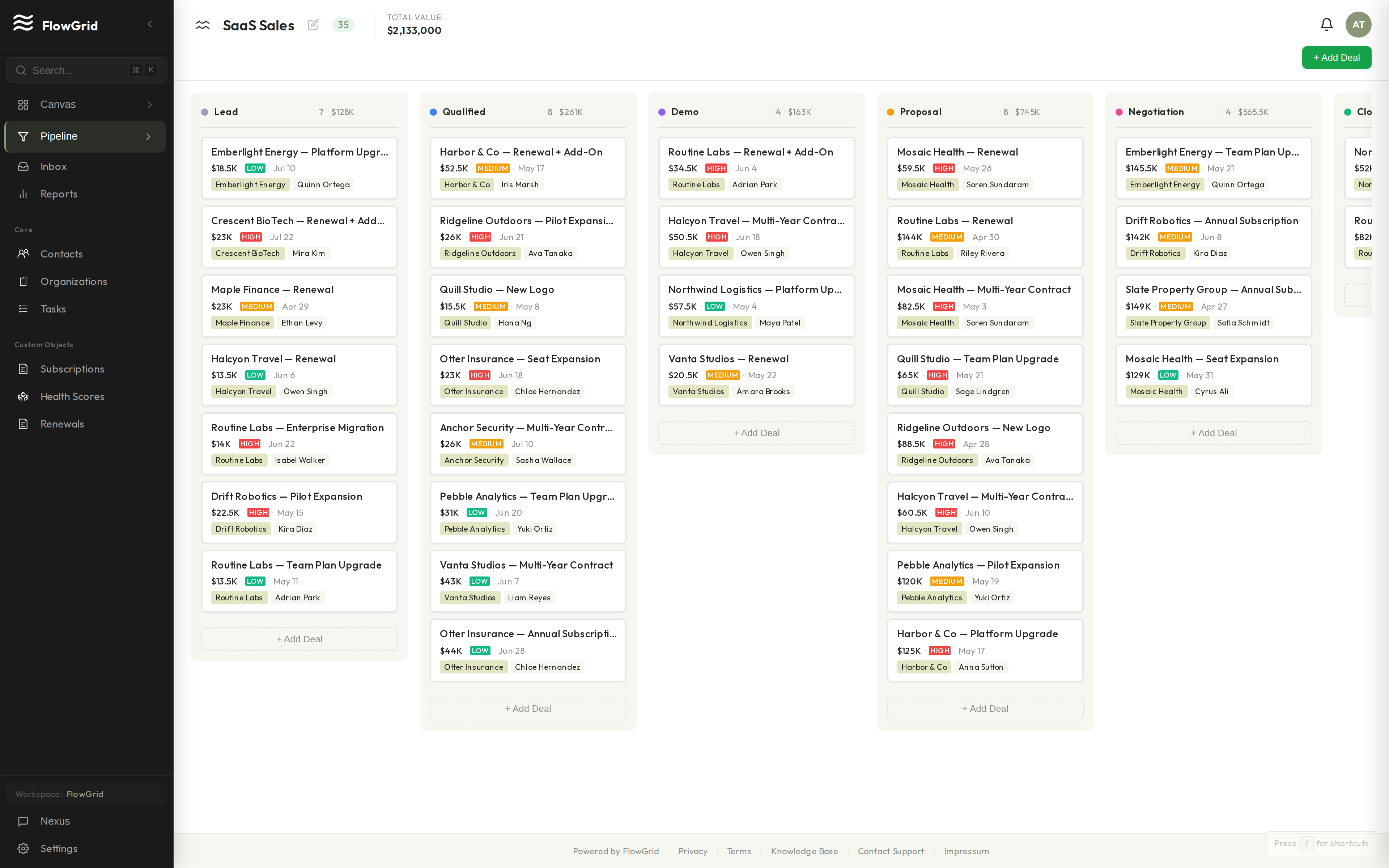
FlowGrid is a privacy-first, AI-assisted CRM. Instead of configuration menus, the interface is a canvas you shape by describing what you want to Nexus, FlowGrid's AI assistant. Custom objects, fields, and pipelines are there from day one — not gated behind an enterprise tier — and every field is encrypted at rest with tenant-scoped keys. FlowGrid is newer and smaller than both HubSpot and Pipedrive, so it's the right call only if the canvas approach fits how you work; we're clear about that below.
Side by side, in plain language
HubSpot vs Pipedrive vs FlowGrid.
| Aspect | HubSpot | Pipedrive | FlowGrid |
|---|---|---|---|
| What it is | An all-in-one suite: marketing, sales, and service hubs on one contact record. | A focused sales-pipeline tool. Clean, narrow, and quick to learn. | A CRM whose interface is a canvas you shape by describing it to an AI assistant. |
| Getting started | Capable free tier, but the full suite takes real setup across hubs and properties. | Fast. Set up your stages and start moving deals — minimal admin. | Import a CSV, then prompt Nexus to build the views you need. Confirm before changes ship. |
| Customising the CRM | Custom objects on higher tiers; a deep but involved workflow editor. | Custom fields and one pipeline metaphor. Flexible within sales, fixed beyond it. | Custom objects, fields, and pipelines from day one. Shape them by prompting Nexus. |
| AI assistant | Breeze and AI add-ons; the more capable pieces tend to sit on higher tiers. | AI sales assistant focused on deal insights and suggestions. | Nexus, with 60+ tools bound to your schema, included in every seat. |
| How pricing grows | Climbs as you add hubs, contact tiers, and paid seats. | Per-seat tiers; affordable, and add-ons for features beyond core sales. | One plan, every feature, per seat. No tier ladder. |
| Data privacy | Standard cloud security; tracking pixels and ad-network integrations are part of the platform. | Standard cloud security and GDPR compliance. | Field-level AES-256-GCM encryption with tenant-scoped keys, plus a full audit log. |
| Integrations & track record | One of the largest marketplaces in the category; long, proven track record. | A broad marketplace and years of use by small sales teams. | Newer and smaller. REST API plus Gmail and Microsoft 365 email; the marketplace isn't there yet. |
- An all-in-one suite: marketing, sales, and service hubs on one contact record.
- A focused sales-pipeline tool. Clean, narrow, and quick to learn.
- A CRM whose interface is a canvas you shape by describing it to an AI assistant.
- Capable free tier, but the full suite takes real setup across hubs and properties.
- Fast. Set up your stages and start moving deals — minimal admin.
- Import a CSV, then prompt Nexus to build the views you need. Confirm before changes ship.
- Custom objects on higher tiers; a deep but involved workflow editor.
- Custom fields and one pipeline metaphor. Flexible within sales, fixed beyond it.
- Custom objects, fields, and pipelines from day one. Shape them by prompting Nexus.
- Breeze and AI add-ons; the more capable pieces tend to sit on higher tiers.
- AI sales assistant focused on deal insights and suggestions.
- Nexus, with 60+ tools bound to your schema, included in every seat.
- Climbs as you add hubs, contact tiers, and paid seats.
- Per-seat tiers; affordable, and add-ons for features beyond core sales.
- One plan, every feature, per seat. No tier ladder.
- Standard cloud security; tracking pixels and ad-network integrations are part of the platform.
- Standard cloud security and GDPR compliance.
- Field-level AES-256-GCM encryption with tenant-scoped keys, plus a full audit log.
- One of the largest marketplaces in the category; long, proven track record.
- A broad marketplace and years of use by small sales teams.
- Newer and smaller. REST API plus Gmail and Microsoft 365 email; the marketplace isn't there yet.
Verifiable, not assumed
We're early. Here's how you can verify us anyway.
How your data is protected
Field-level AES-256-GCM encryption with tenant-scoped keys. Multi-tenant row-level isolation. Every mutation logged.
Read the security details →Legal & compliance
GDPR-compliant with a Data Processing Addendum. Your legal contact can pull it now — not after a sales call.
Read the DPA →Built in public
v1.3.0 · Jun 20, 2026
v1.3.0
v1.2.0 · Jun 10, 2026
v1.2.0
v1.1.0 · Jun 2, 2026
v1.1.0
Built in public
We don't have customer logos to show you yet.
FlowGrid is early. Instead of borrowed credibility, here's what you can verify yourself:
Honest answers